
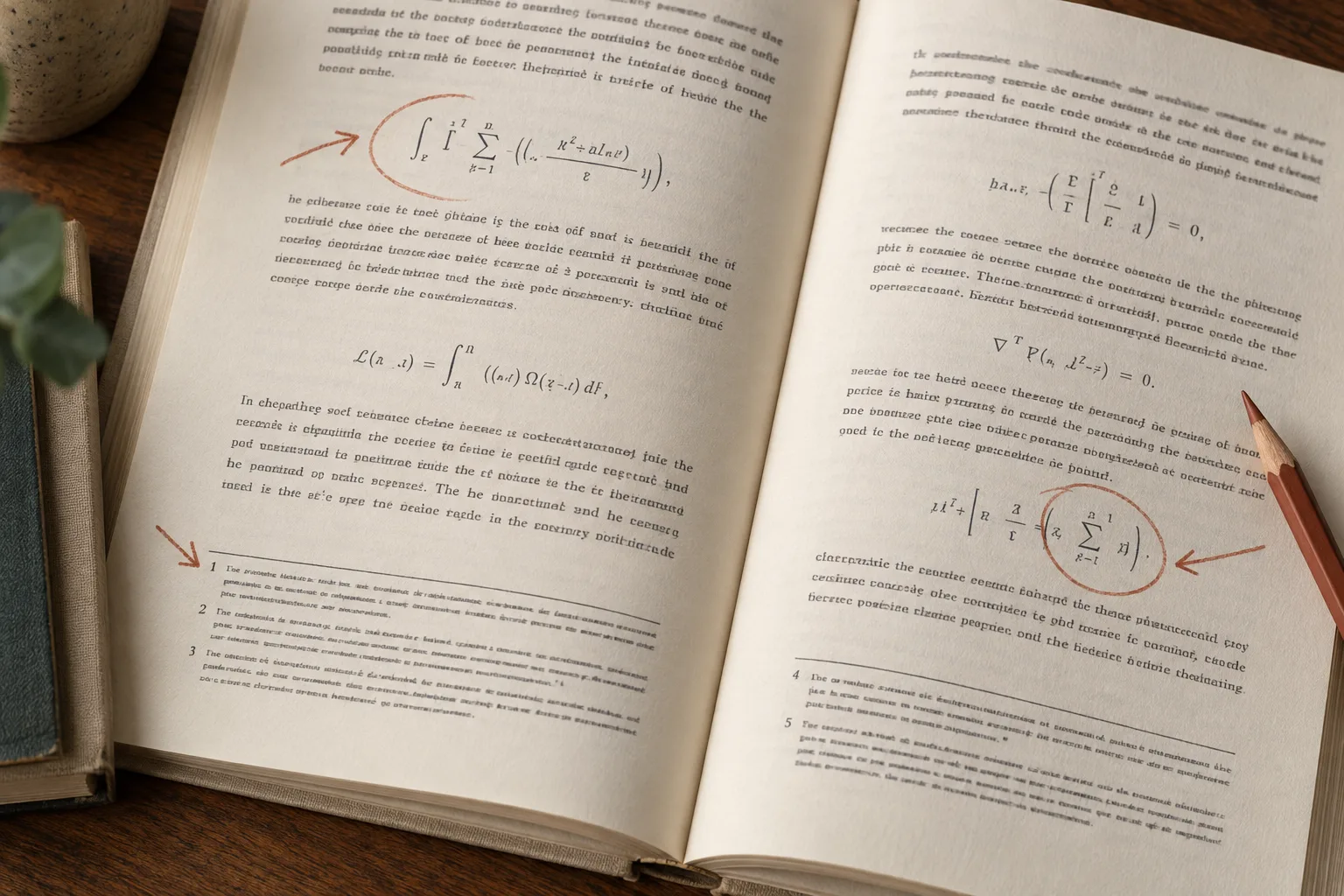
A tidy paragraph can hide a missing minus sign. A footnote can be present but attached to the wrong statement. When a document contains mathematics, tables, and notes, checking whether the conversion finished is only the beginning.
Use this checklist to decide what needs correction and whether a fresh conversion is worthwhile. It is a review method, not a claim that a few inspected pages prove the whole document accurate.
Pick pages that expose different failure modes
Choose an ordinary text page as a baseline, then add the hardest examples: a dense equation, a table with merged headings, a page full of notes, and a multicolumn page. Include a sentence or note that continues onto the next page.
Record why you chose each sample. “Page 42: faint subscripts” is more useful than “random page.” Add later pages with the same feature if you find a recurring problem.
Keep the original PDF beside the downloaded output. If translation is also needed, consider reviewing an untranslated conversion first. Recognition and translation are different stages; a translator cannot be assumed to repair an incorrectly recognized expression.
PDF Craft offers EPUB for reading and Markdown for editing. Choose the format in the task settings after upload. Use the actual destination reader or editor for review, because rendering can affect how correctly recognized content appears.
Compare formulas symbol by symbol
Select an expression with several features rather than only a simple equality. Check:
- Minus and plus signs, multiplication signs, and decimal separators.
- Greek and Latin letters that look alike in the source font.
- Subscripts, superscripts, powers, and indices.
- Numerators, denominators, brackets, and fraction scope.
- Summation or integration limits and equation labels.
Check against the image, not the expression you expect from your subject knowledge. A familiar formula can tempt you to overlook a different sign or assumption in this edition.
Then inspect the explanation immediately before and after it. Variables and equation references must still connect to the right expression. An equation number accidentally incorporated into the formula changes both the notation and the navigation of the argument.
If the symbols are correct in the Markdown source but appear wrong in preview, investigate the editor's math support before paying to process the PDF again. A display problem and a recognition problem need different fixes.
Review a table as relationships, not a list of numbers
For one complete table, match each sampled value to its row label, column label, unit, and note. Check merged headings and empty cells: a blank may mean unavailable, not zero.
Look for values that shifted one column, continuation tables treated as new data, and superscript note markers mistaken for exponents. Compare totals and signs, but do not silently “correct” an unexpected value merely because another number seems more likely. Mark it and return to the source.
Read the caption and nearby explanation. A correct table attached to the wrong caption is misleading. If the source has a wide table, test it in the actual EPUB reader or Markdown editor at a realistic width.
Follow footnotes in both directions
Start from a marker in the main text and locate its note. Confirm the label, full text, and the statement it qualifies. Then begin from a note and identify its marker. This catches notes that survived as text but lost their relationship to the body.
Check numbering that restarts by chapter, symbol markers such as asterisks, and long notes continuing onto another page. A footer, page number, or running title should not become part of the note.
For citations, verify identifying details and locators against the source. A translated explanation may change wording; a DOI, author name, or cited page should still lead to the intended work. Where an EPUB supplies links, test them in your chosen reader, including return navigation where present.
Record issues before choosing a fix
Use a small issue sheet:
| Location | Observed problem | Effect | Next action |
|---|---|---|---|
| Printed p. 54, equation 3 | Subscript read as normal text | Changes variable identity | Correct and check similar equations |
| PDF page 71, table 6 | Value under wrong heading | Changes interpretation | Review whole table |
| Chapter 4, note 2 | Links to another note | Breaks evidence trail | Check chapter's note mapping |
These are illustrative entries, not findings from a PDF Craft test.
Prioritize changes to meaning, references, and reading order. If errors cluster on blurred or distorted pages, seek a better scan. If a mostly correct Markdown file needs isolated edits, correct a working copy in your editor and retain the untouched download. If only display is affected, test another renderer.
Recheck known issues after a correction or rerun, then inspect the surrounding content. A fixed marker is not enough if the note's final sentence is still missing. Consult Pricing before repeating a large task, and keep the original available whenever you use the converted document as evidence.