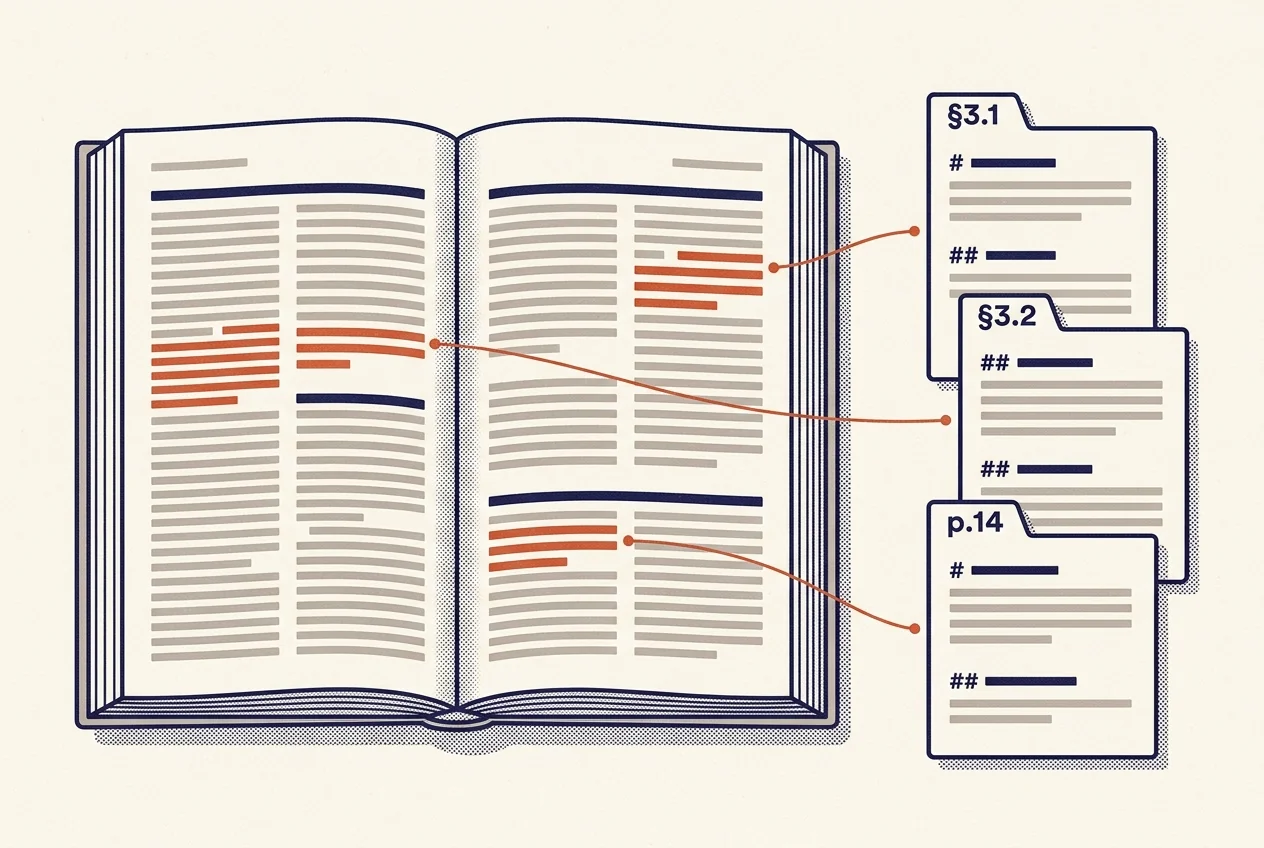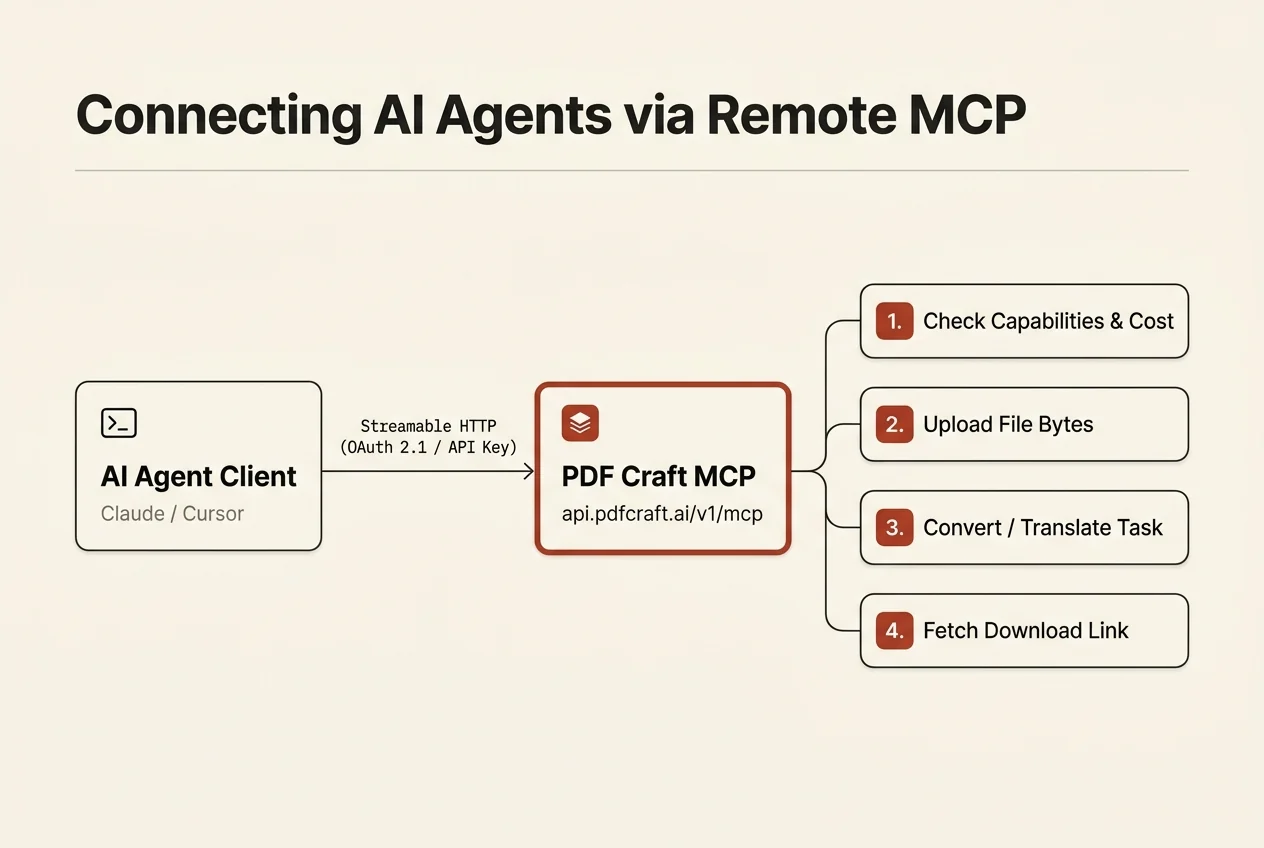
Dropping a short, clean text PDF straight into Claude or Cursor works well for quick summaries. The moment you hand an agent a pure-image scanned PDF, a multi-column paper packed with equations, or a 200-page book you want exported as a clean EPUB or translated PDF, chat attachment limits break down: OCR is incomplete, columns scramble, context windows overflow, and chat UIs cannot produce finished reflowable books.
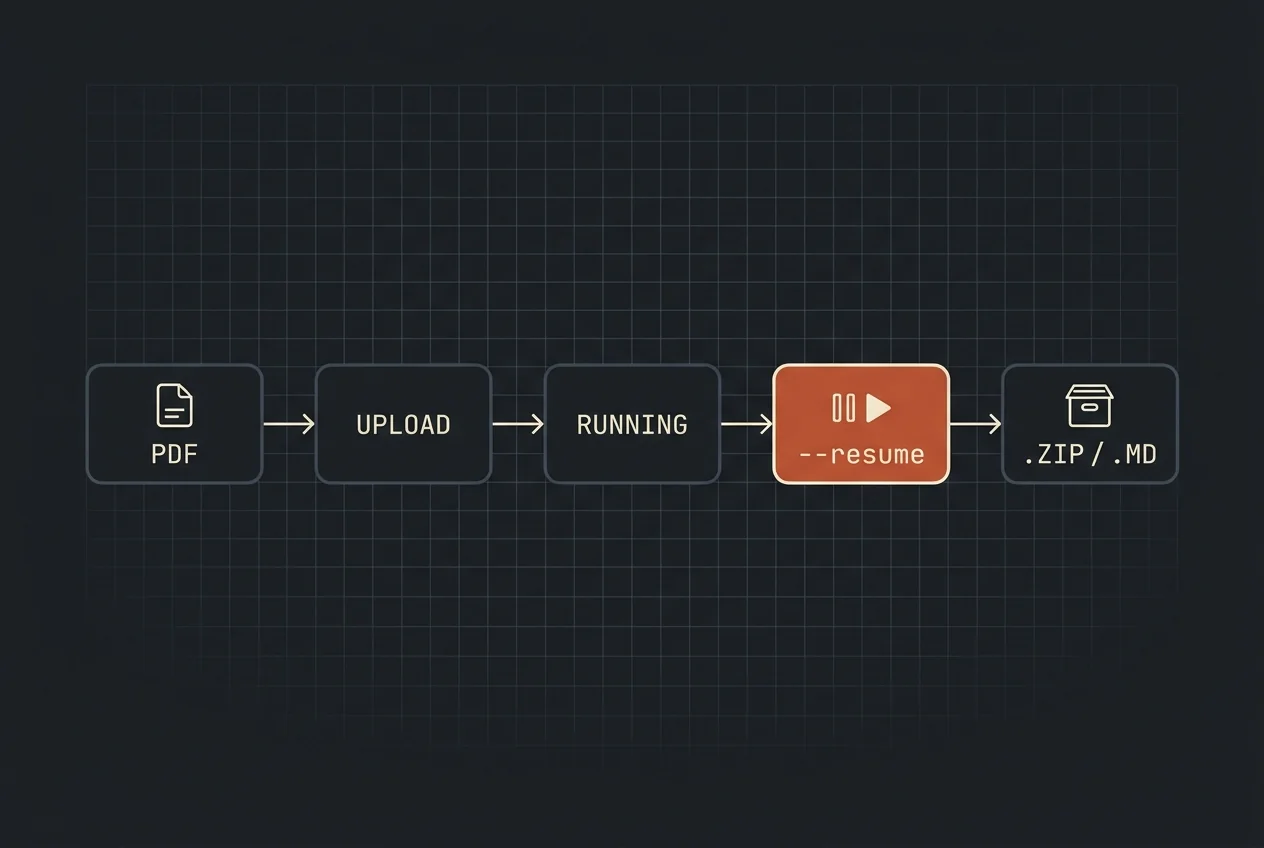
Connecting PDF Craft's remote MCP (Model Context Protocol) server to any AI agent that supports Streamable HTTP and protocol version 2026-07-28 gives your agent direct access to the dedicated OCR, layout reconstruction, and translation pipeline. Inside a single conversation, the agent can inspect supported formats, check your balance, estimate cost before spending credits, upload the file, track progress, and hand back the finished Markdown, EPUB, or translated PDF download link.
1. When to Use MCP Instead of Pasting a PDF Into Chat
| Task | Drag PDF Directly Into Chat | Call PDF Craft via MCP |
|---|---|---|
| Quick summary of a 3-page clean text PDF | Fastest and sufficient | Unnecessary extra step |
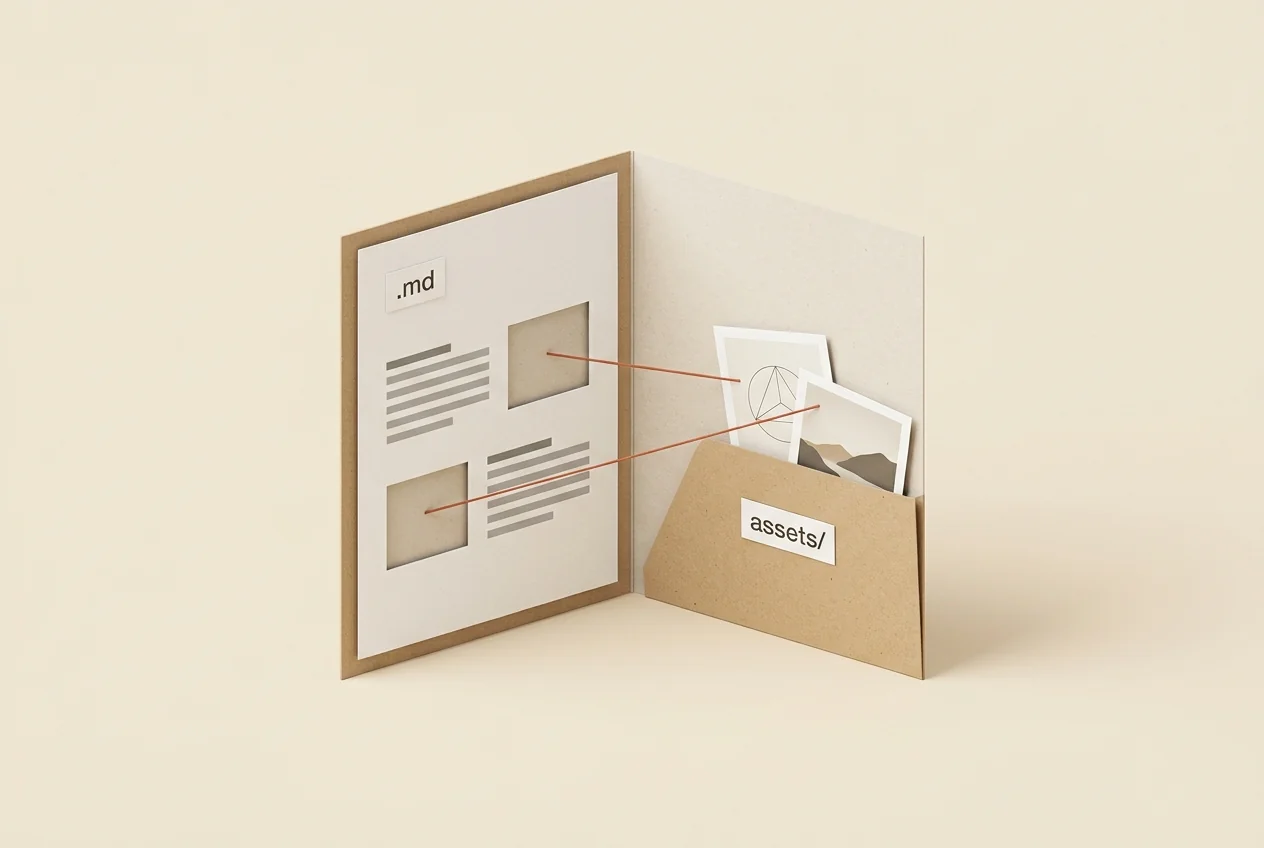
| Pure-image scanned PDF with tables and equations | Often misses text or scrambles columns | Runs full OCR and layout restoration, returning clean Markdown plus image assets |
| 200-page foreign scanned book to Kindle EPUB or bilingual edition | Chat cannot export valid EPUB files | Processes the whole book asynchronously and returns a ready-to-read download link |
Agent workflow in a 2026-07-28-compatible client (estimate cost, convert, pull into workspace) | Requires manual browser switching | Chains balance check, cost estimate, upload, polling, and download in one flow |
2. Two Ways to Connect (Production Endpoint)
PDF Craft's hosted MCP endpoint is https://api.pdfcraft.ai/v1/mcp using Streamable HTTP and MCP protocol version 2026-07-28 (legacy 2025 initialization and session flows are not supported).
Client compatibility note: Before configuring your client, verify that it supports MCP protocol
2026-07-28. Clients that still rely on legacy 2025 initialization (including Cursor builds that have not yet added2026-07-28support) cannot connect to this endpoint until they add support for the newer protocol.
Option 1: Interactive OAuth 2.1 Login (Recommended)
If your client supports MCP OAuth 2.1 (including RFC 9728 protected resource metadata and dynamic client registration), point it to the endpoint directly without copying keys:
{
  "url": "https://api.pdfcraft.ai/v1/mcp"
}
When prompted, sign in to your OOMOL account in the browser and grant the pdfcraft:use permission.
Option 2: Bearer API Key
- Create an API key in OOMOL Console.
- Add the remote MCP server with an
Authorizationheader (field names vary slightly across clients):
{
  "url": "https://api.pdfcraft.ai/v1/mcp",
  "headers": {
    "Authorization": "Bearer YOUR_API_KEY"
  }
}
Security note: Store API keys in your client's secure configuration or environment variables. Never paste keys into chat messages or embed them inside URLs.
3. Recommended Agent Workflow: Estimate Before Converting
Once connected, instruct the agent to call get_capabilities first to verify supported formats and languages, then check balance and estimate cost before submitting large files:
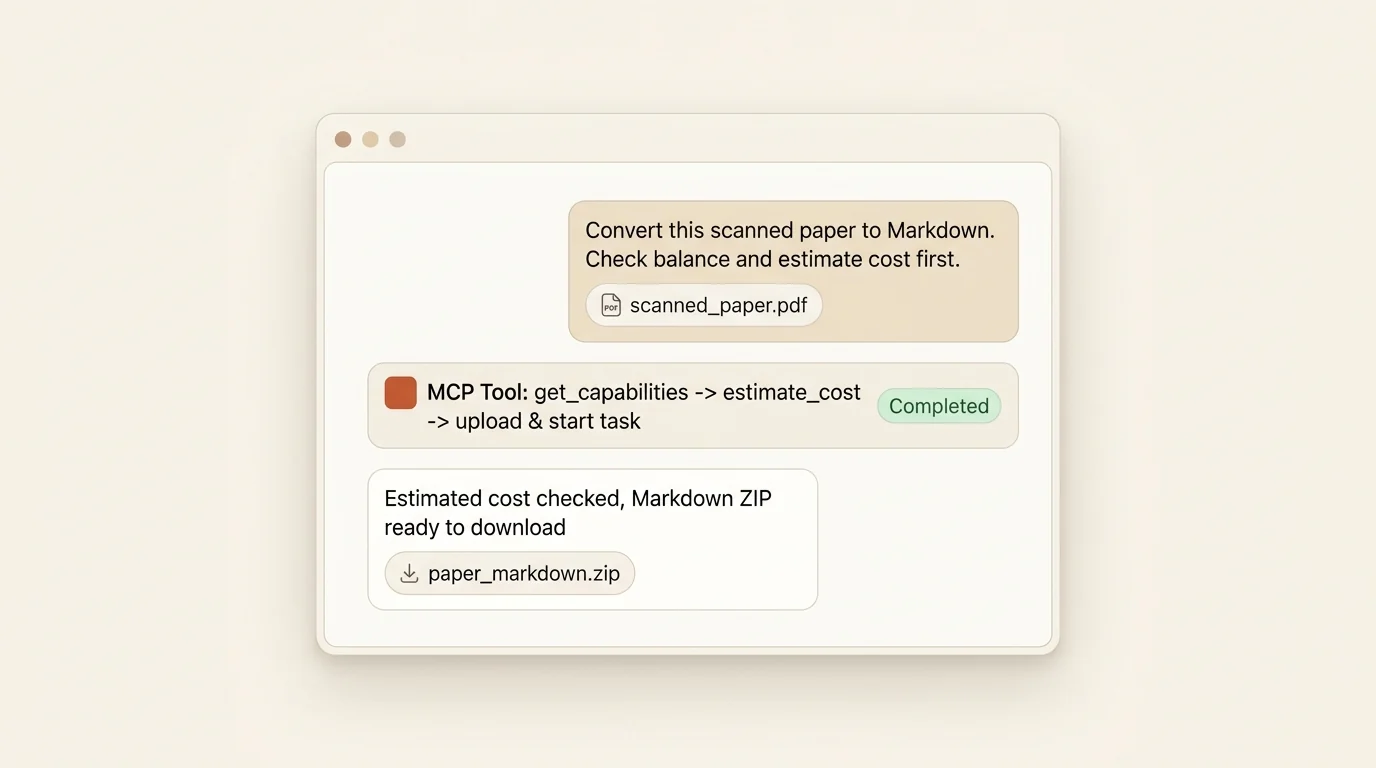
A clear prompt pattern looks like this:
Call
get_capabilitiesfirst, check my PDF Craft balance, and estimate the cost to convert this scanned PDF to Markdown with refined mode enabled. Wait for my confirmation before uploading and starting the job, and keep the task UUID so we can fetch the download link once finished.
Estimating upfront prevents accidentally running expensive options on a 400-page archive, and saving the task UUID lets you resume polling or re-fetch downloads even if a chat session disconnects.
4. Four Practical Boundaries to Know First
- The agent must upload actual file bytes: Because the MCP server runs remotely, passing a bare local path string such as
/Users/me/book.pdfwill not work. Make sure your agent client can read and upload the file contents to the upload URL returned by the task. - Billing and insufficient-balance recovery: MCP jobs share the same account balance and published rates as the web workspace (PDF conversion and translation are billed per page, while EPUB translation is billed by source word count; see Pricing & Recharge). Full outputs are returned by default; if a download is blocked due to insufficient balance, top up your account and request the download link again using the same task UUID without re-running conversion.
- Check protocol version support: If connection handshake fails immediately, confirm your client supports Streamable HTTP and MCP
2026-07-28rather than legacy SSE or 2025 session flows. - Use the REST API for unattended backend batch jobs: MCP shines in interactive human-in-the-loop agent sessions. For scheduled server pipelines or CI scripts, call the standard REST API directly (see the zero-dependency Python API guide and REST API Reference).