
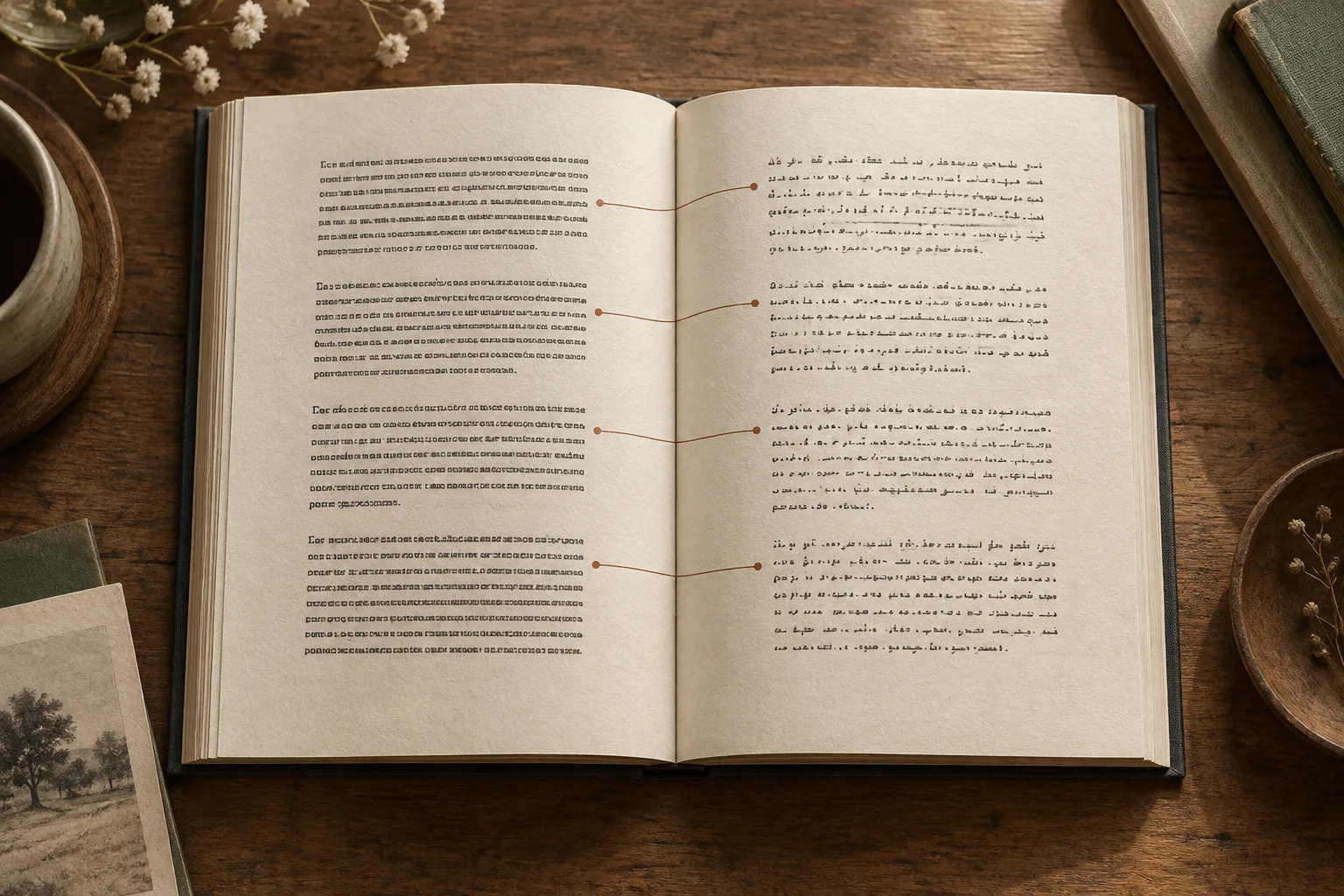
A bilingual EPUB keeps the source close when a translation leaves you with a question. It also adds more text to every chapter. Whether that helps depends on how often you want to compare, the length of the passages, and the screen you use.
If your primary goal is to immerse yourself in the story, a translation-only version is usually smoother. If you frequently need to check terminology or study the original phrasing, a bilingual edition is more convenient. Think about how you plan to read the book, then choose the layout that fits best.
Understand the actual output arrangement
PDF Craft's translation-only EPUB replaces the original text with the translation. The bilingual EPUB alternates vertically, placing each translated paragraph immediately below its original. When you encounter a sentence you want to inspect, the original text is right there, though longer paragraphs may require scrolling back and forth.
Both versions can be downloaded and opened in any compatible EPUB reader. You can keep using your familiar reading app, adjust the font and text size to your liking, and navigate through the table of contents.
| Reading goal | Edition to consider | Main trade-off |
|---|---|---|
| Read a novel continuously | Translation-only | Consult the original separately when needed |
| Investigate technical terminology | Bilingual | More text to navigate, but local source comparison |
| Practice a language | Bilingual | Decide when to read the source before checking |
| Read on a small eReader | Test both on a long passage | Screen size may matter more than the feature label |
Use comparison deliberately
For a difficult paragraph, first read enough to understand the overall point. Then compare the source for the details that could change meaning: negation, uncertainty, numbers, definitions, and references to people or earlier ideas.
Do not stop at every word unless your aim is close language study. Constant checking can make ordinary reading exhausting without improving your understanding. Mark a doubtful phrase and return to it with its surrounding context.
For language learning, try reading a source passage first and stating its meaning in your own words before looking at the translation. Later, revisit the source without the translated passage. The bilingual language-learning guide gives a chapter-based method.
When in doubt, the original text is right next to the translation, allowing you to finish the paragraph before checking the surrounding context. If you are learning a language, comparing your interpretation with the translation can help you spot words and phrases worth looking up.
Test long passages on your device
A short dialogue exchange may keep both languages within easy reach. A long explanatory paragraph may occupy several screens before you reach its translation. Try each kind at your usual font size.
On a phone or eReader, translation-only may be easier for sustained reading. On a tablet or desktop, bilingual comparison may be more comfortable. Do not shrink the type to an uncomfortable size simply to fit both versions together.
Reflow changes pagination, so matching page counts are not a useful test. Use chapter titles and distinctive phrases when recording a problem. If you keep separate editions, use recognizable filenames to avoid opening the wrong one under a shared cover.
Choose the mode before submitting
Upload your EPUB to the online translator, then choose your target language and output mode. If needed, add notes on context, character names, terminology, or tone preferences. For example, if you want to keep characters' English names, add that to your translation instructions so it is easier to recognize them while reading.
Check Pricing before submitting to confirm your preferred edition. New users receive trial credits, and translation is billed based on usage. If you later need the other output mode, you can start a new task, which will be billed as a separate job.
The Output Modes Guide details each setting and how to write translation instructions. Once you decide how you want to read, follow the guide to submit your file.
Review the downloaded book before settling in
Open a chapter near the beginning and one near the end. In bilingual output, check that original and translated passages remain in the expected order around headings, notes, and illustrations. In translation-only output, compare important passages with the separate original.
After opening your translated book, adjust the font size to your preference and test-read a short dialogue and a longer passage. Tap a footnote to see if you can easily navigate back to the main text. Once everything feels right, save your place and enjoy reading.
You can keep the source and result in PDF Craft Desktop for reading and organization, or continue in your usual EPUB reader. Keep the original available either way: the most useful reading setup is one that lets you enjoy the book and resolve an important doubt without losing your place.