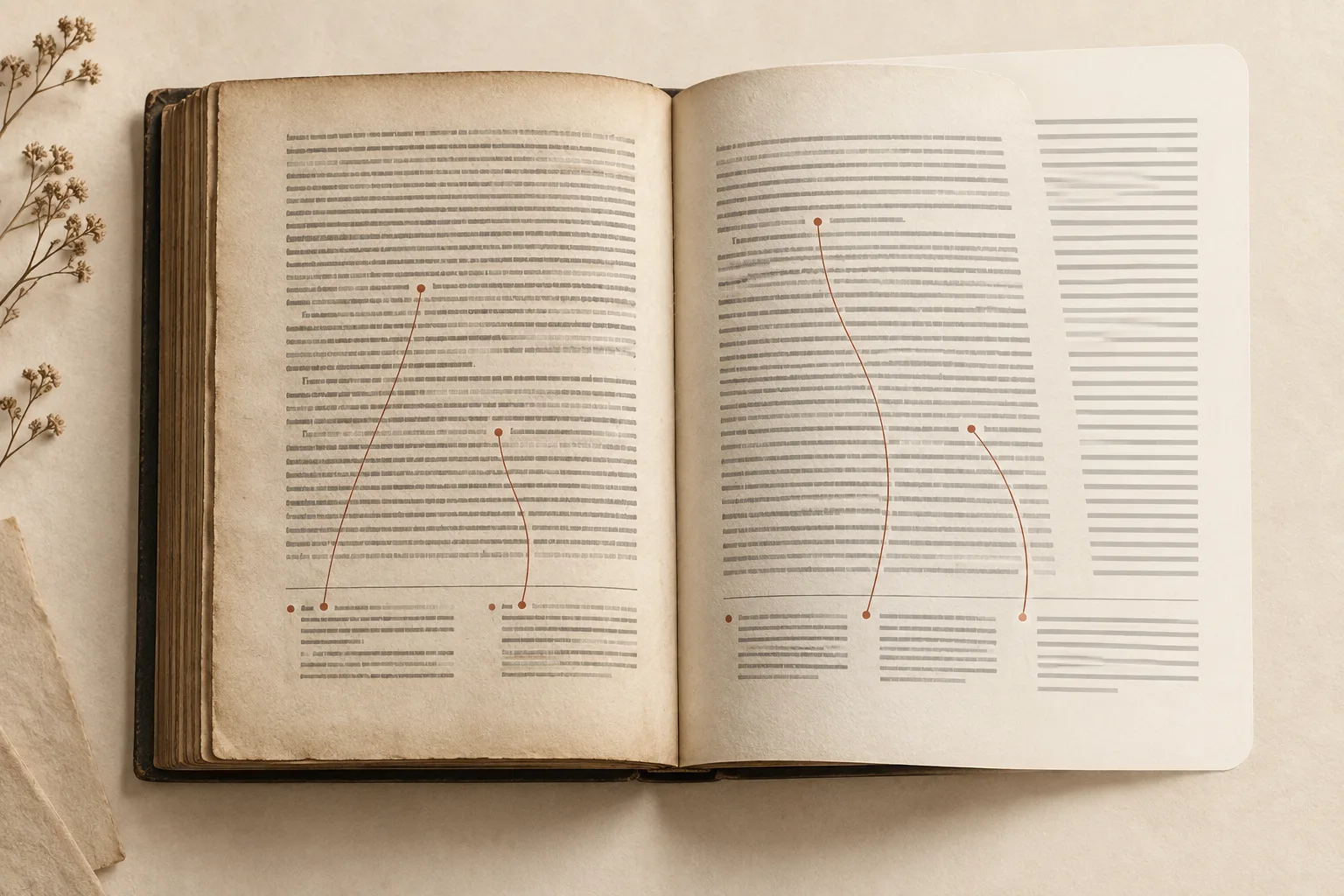
Recognizing the small print at the bottom of a page is only part of footnote handling. A converted book also needs the right marker attached to the right note, with the complete text and a practical way to return to reading.
Keep the original PDF open during the check. A note that looks plausible in isolation may belong to another sentence, column, or page.
Match the body marker to the note's meaning
Choose a page with several notes. Identify one marker in the body and read the sentence it qualifies. Then locate the corresponding note in the source and compare its complete text with the output.
Do not check only the number. A book may restart numbering by page or chapter, use symbols, or include other raised characters that are not references. The correct relationship is established by the source layout and the passage, not merely by finding the same digit somewhere below.
In an EPUB, follow the link if one is provided. In Markdown or another editable output, inspect how the reference and note are represented in the file and rendered by your editor. Display conventions differ, so check the actual result instead of assuming every note appears as a pop-up.
Inspect numbering, destinations, and return paths
For each sampled note, verify three things: the marker is located at the intended point in the body, its destination contains the right note, and you can resume at the relevant passage.
When checking footnotes, distinguish between three typical issues: an in-text reference linking to the wrong note entry, footnote text truncated midway through, or complete footnote text missing an in-text reference link. Tracking these patterns separately makes troubleshooting and corrections much more efficient.
| Symptom | What to compare |
|---|---|
| Marker without a destination | Whether the source has a note and whether it was recognized |
| Note without a body reference | Original marker position and possible layout misclassification |
| Two notes joined together | Original numbering and boundaries between small-text blocks |
| A note starts or ends abruptly | Neighboring page and column continuation |
| Return lands far away | Destination and return relationship in the reading file |
Watch page numbers and running footers
Text near the bottom is not automatically a footnote. It may be a page number, running title, caption, or the end of the main paragraph. A small digit can also become a false bridge between two body paragraphs.
Compare the same area on neighboring source pages. Repeated running text and page-number patterns can help explain what the output has accidentally inserted into prose. Check whether removing a supposed footer would erase genuine content on an unusual page.
On multi-column pages, notes at the bottom of a column usually belong to that column alone. When cross-checking, read the entire paragraph following the original layout order to establish the context of the note, then inspect how markers and notes match up in the output file rather than assuming smooth prose means the columns were handled correctly.
Build a sample around difficult structures
Use more than a clean page with one short note. Include multiple markers, symbolic numbering, a long note, and a page transition. If the book has notes continuing across pages, use the focused cross-page review guide.
Record the printed page, PDF viewer page, marker, and a distinctive phrase. EPUB pagination changes with font size, so the output's apparent page number is not enough to find the issue later.
The JEV engineering post documents a concrete PDF Craft sample, detailing how to review suspect pages and verify footnote references. If you are working with complex multi-column or cross-page notes, that walkthrough illustrates how these issues can be spotted and handled.
Keep recognition and translation reviews separate
If a note is translated, first establish that the correct source note was recovered and attached. Then compare its meaning, including quotations, names, and citation details. Do not invent localized bibliographic information to make a reference look complete.
The OCR and translation guide explains those separate stages. Use the PDF workspace to choose EPUB or Markdown output and enable translation when needed. New users receive trial credits; processing is charged by usage, with current rates on Pricing.
After download, save the result and original together. Review passages you intend to quote or use for research more closely than casual reading. A convenient note link helps navigation, but the source remains the reference for what the author actually wrote.